 FluentSide


Corrections in ChatGPT
Get corrected without leaving the chat
ChatGPT answers normally, then adds the corrected sentence and a one-line explanation.

FluentSide saves the corrections from the chats you already have, reveals the mistakes you keep making and recommends what to learn next, all in a private dashboard.
Requires a ChatGPT account that can use custom connectors. Coaching happens when ChatGPT calls FluentSide, which isn't guaranteed for every message.
Explanations come in the language you choose. Correction quality can vary by language.
ChatGPT corrects your sentence, explains the rule in your language and sends it to FluentSide. FluentSide keeps the record and shows you what to work on next.
Corrections in ChatGPT
ChatGPT answers normally, then adds the corrected sentence and a one-line explanation.
Grammar vs. style
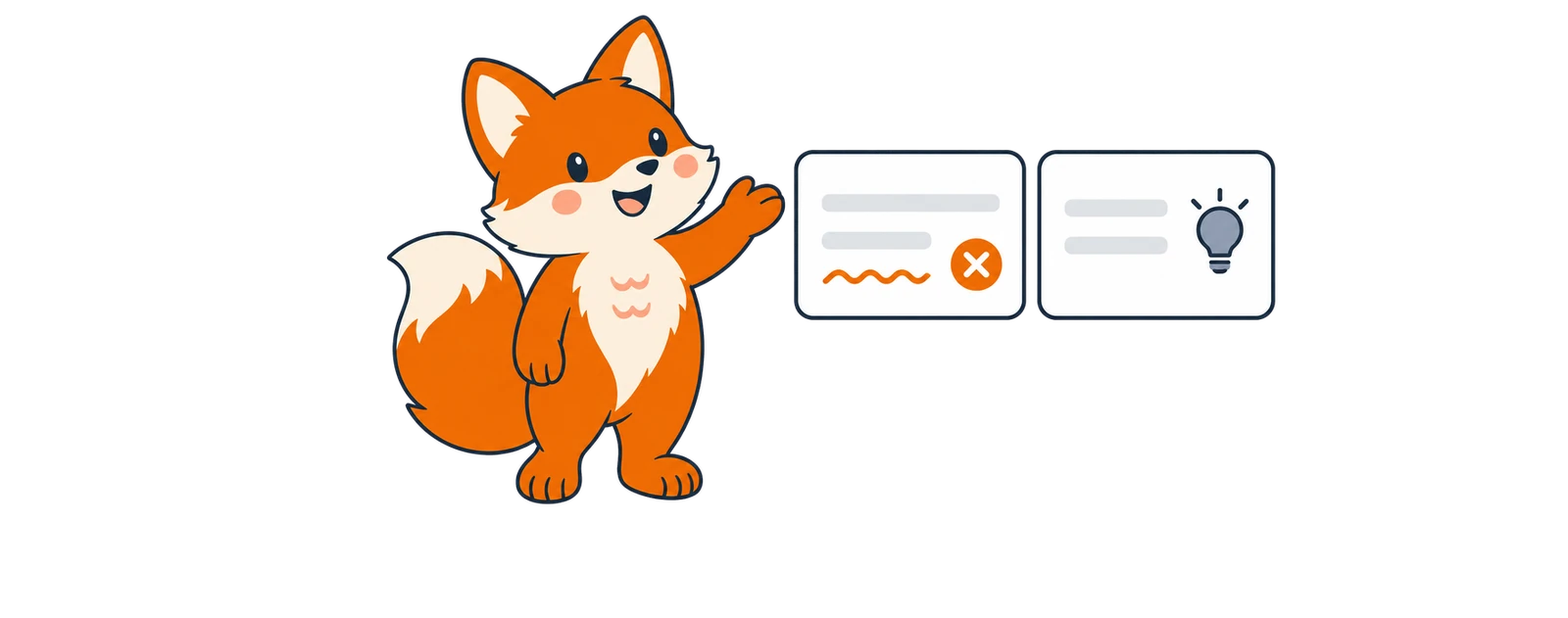
Grammar and spelling mistakes are kept apart from style suggestions, dialect and informal writing.
Daily plan
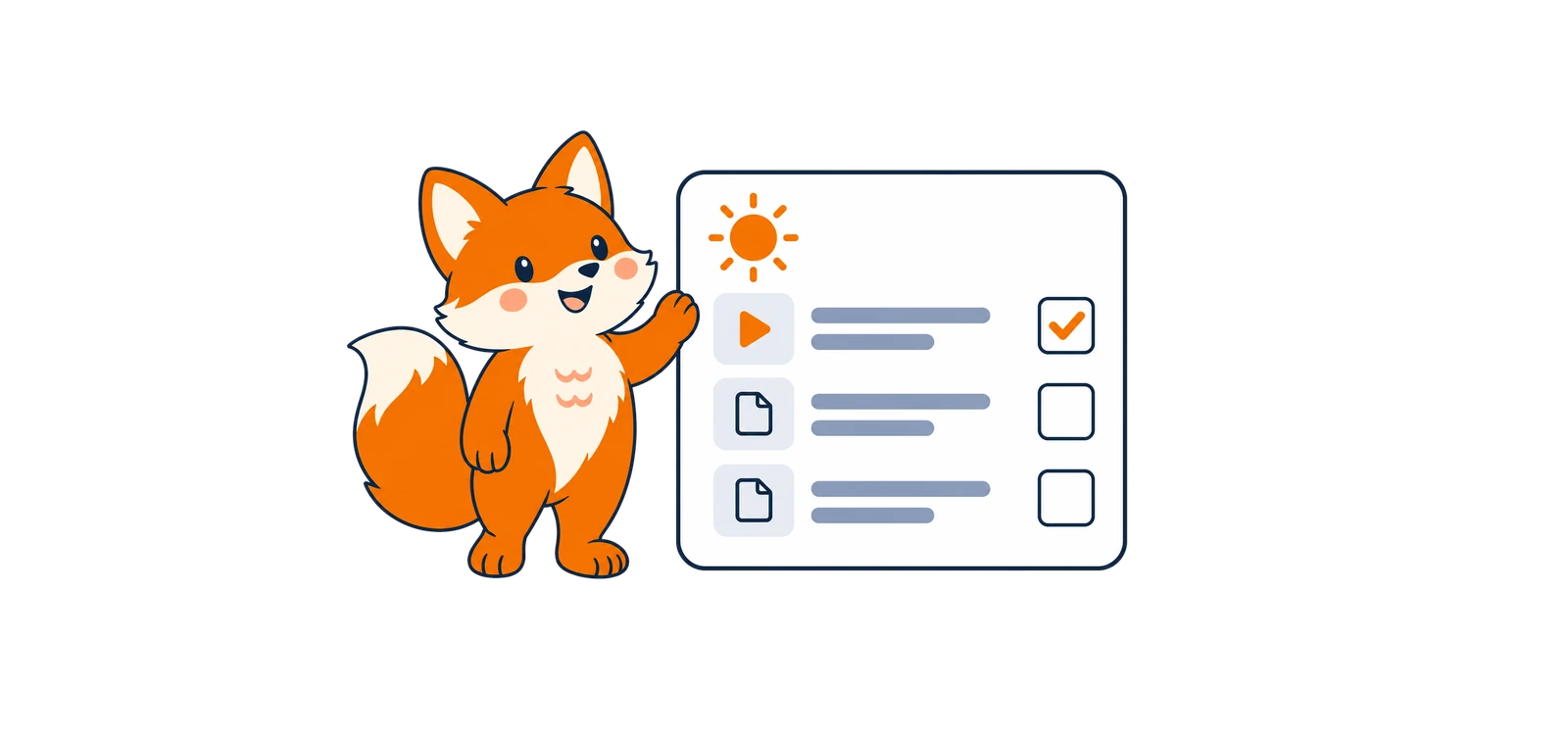
Up to three reviewed web lessons and three videos, picked from a curated catalog for your recurring mistakes.
Recurring mistakes
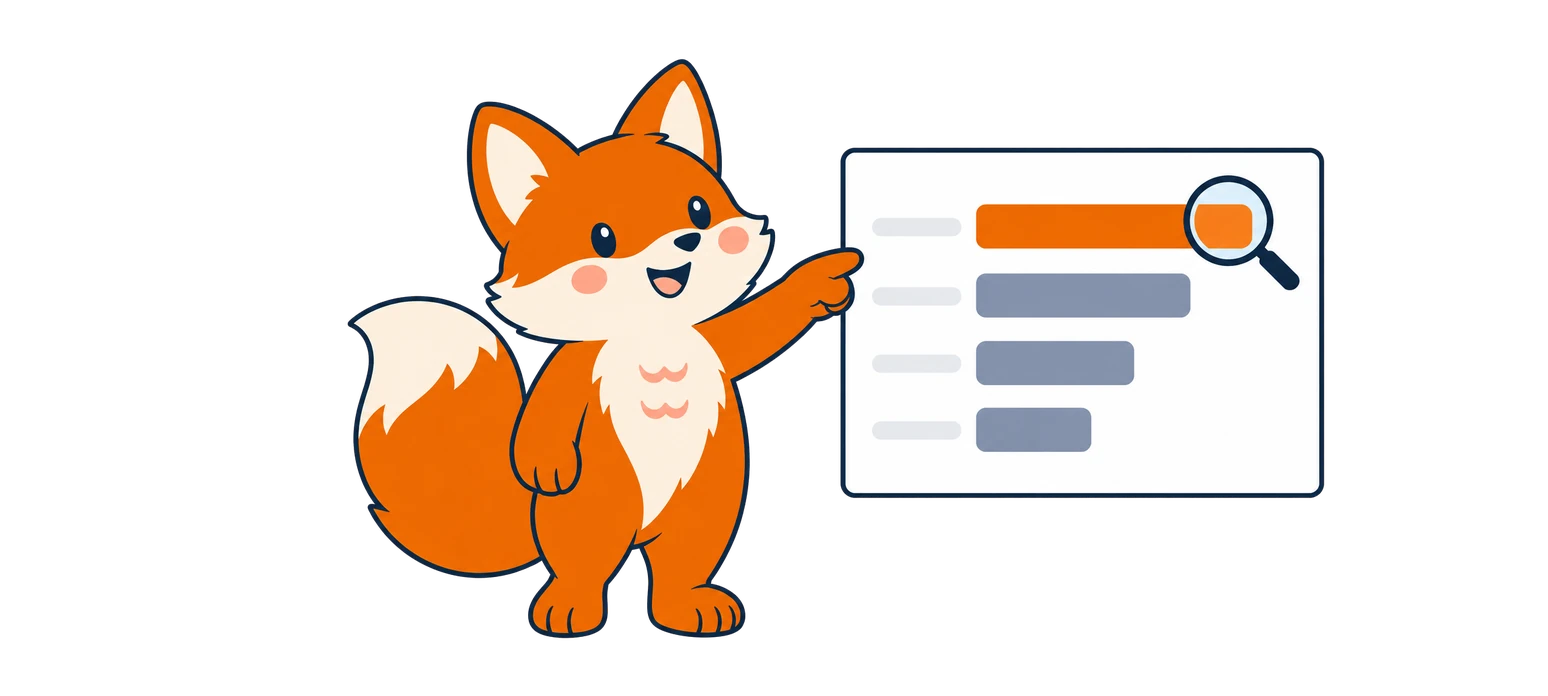
Every correction is grouped by category, so the patterns behind your mistakes become visible.
Your level

Your level stays self-reported. FluentSide never guesses a level from a count of mistakes.
Languages
Choose the language you're improving, or let it be detected, and the language explanations should use.
History
Filter saved corrections by language, date and category, and delete any entry whenever you want.
Streaks and goals
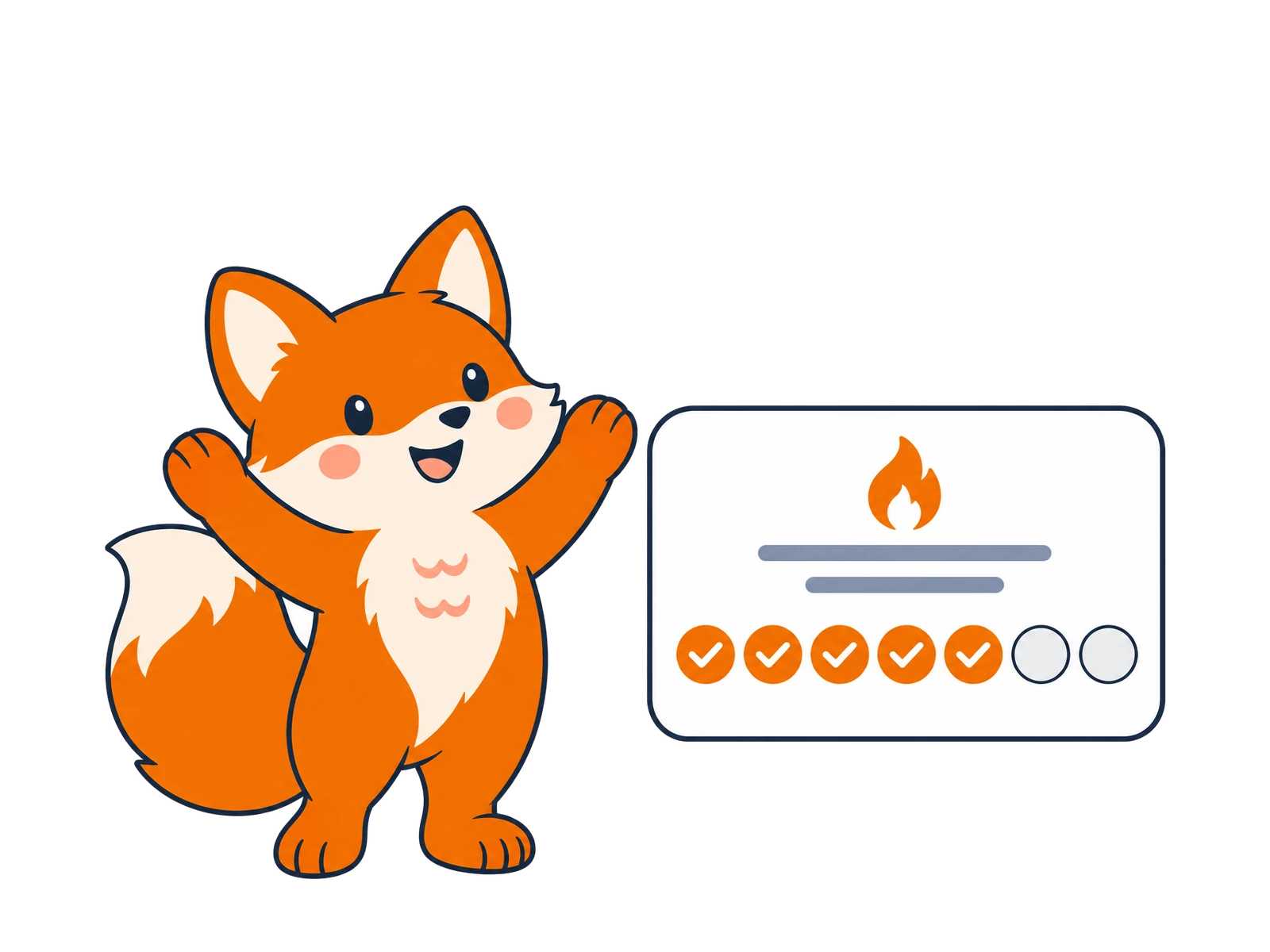
Set a weekly goal. A day counts when you save a correction or complete a lesson. Streaks measure activity, not proficiency.
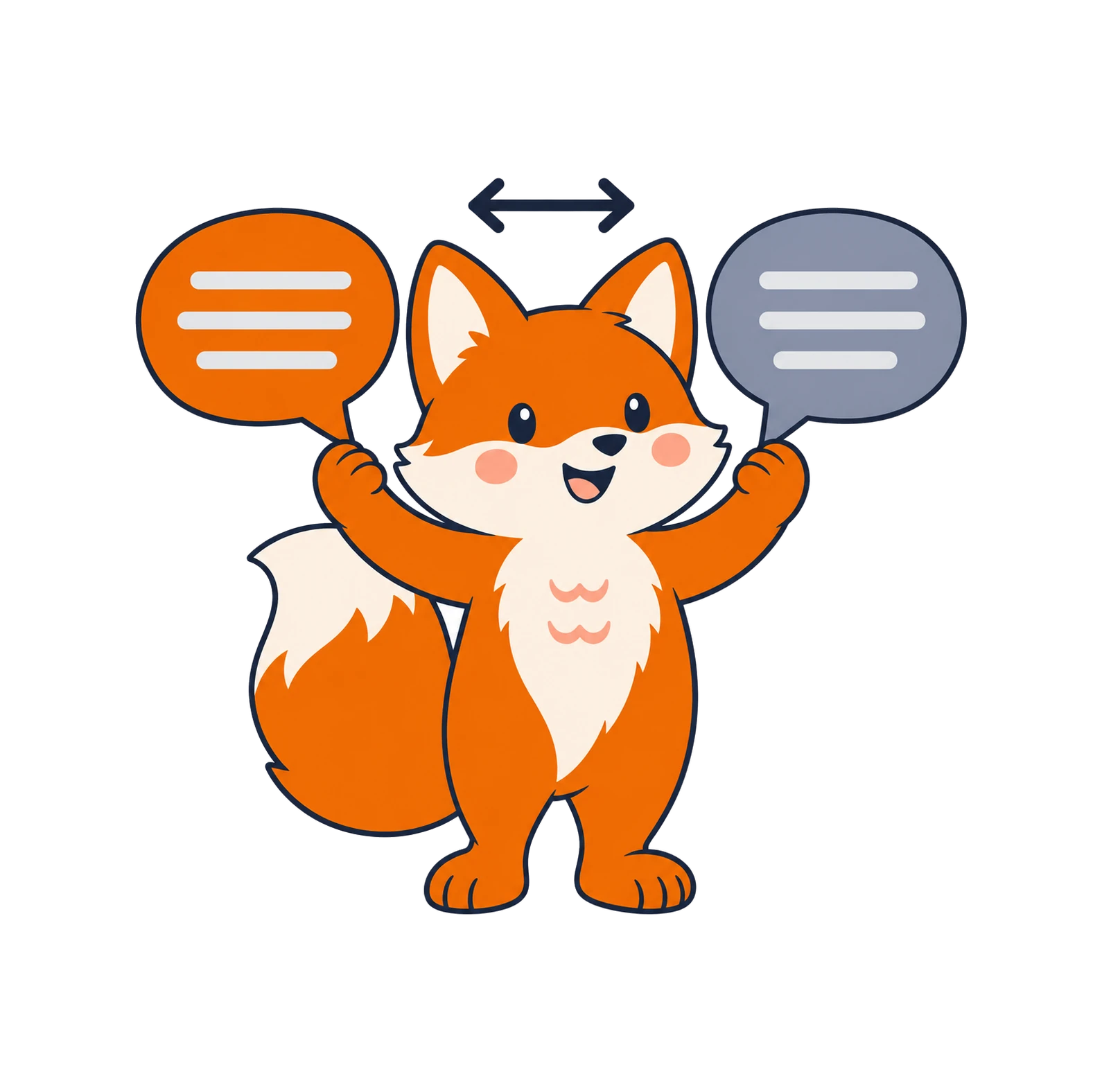

Choose the language you're improving (or let it be detected) and the language explanations should use.

Add FluentSide as a connector. When you write with mistakes, ChatGPT answers normally, then adds a short correction.
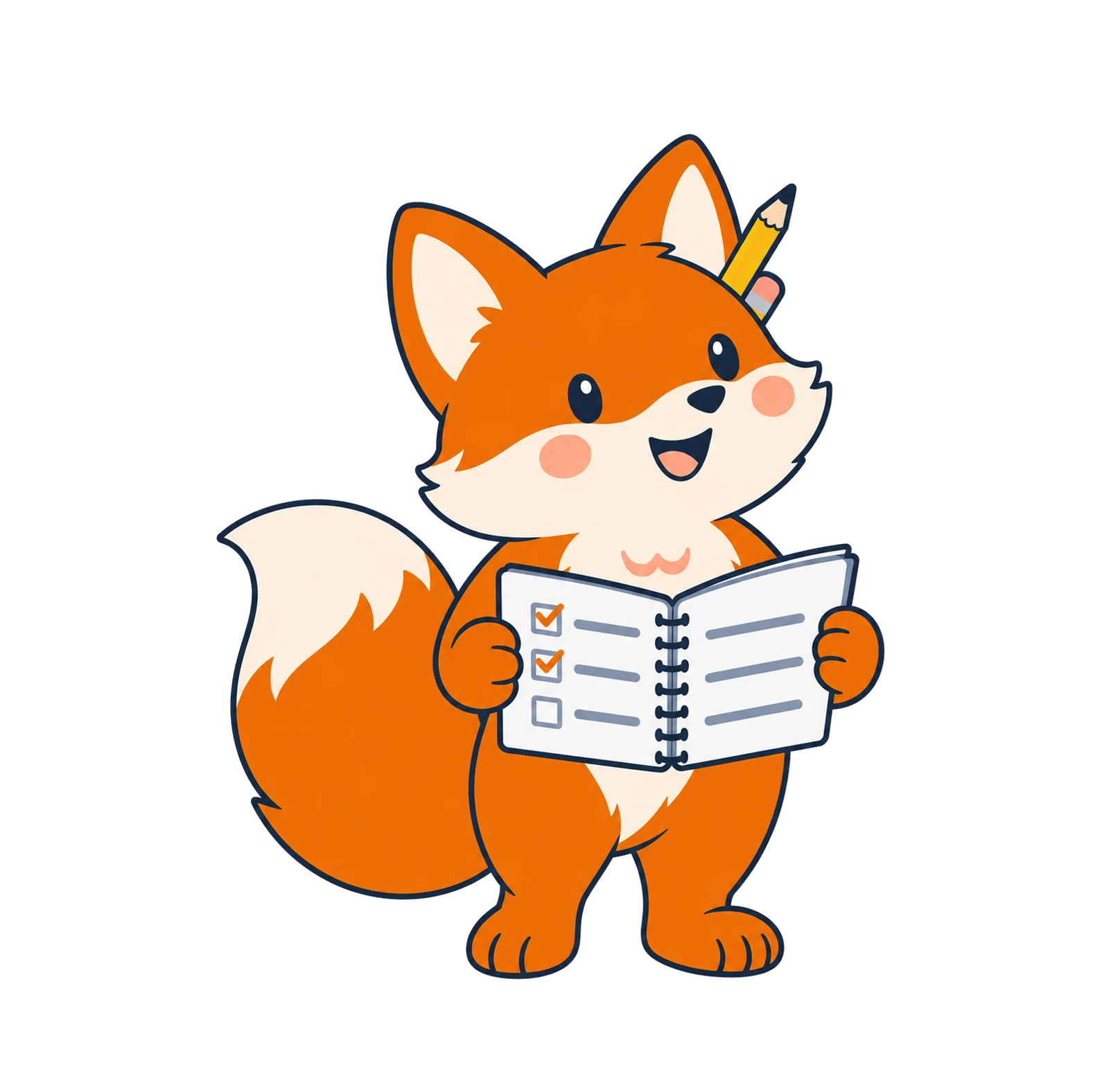

Your dashboard groups recurring mistakes and suggests a few reviewed lessons each day.
From the first correction to your daily plan, FluentSide keeps track of what recurs and helps you take the next step.
You shouldn’t have to keep every rule in your head. FluentSide groups your corrections by category, so recurring mistakes like articles or verb tenses stand out.
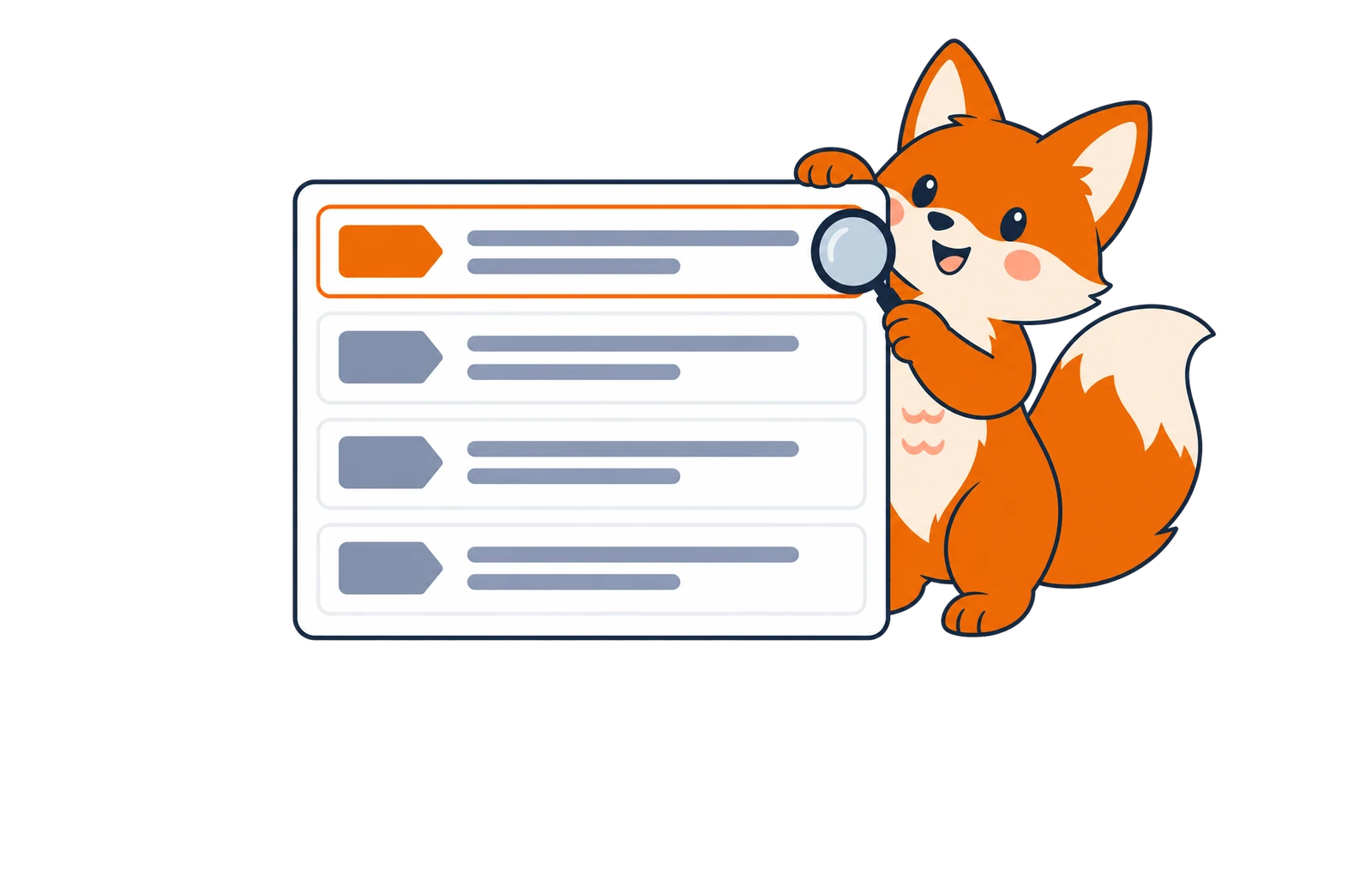
You don’t have to ask. When you write with a mistake, ChatGPT answers normally, then adds the corrected sentence and a short explanation.
Each saved correction feeds your dashboard: recurring categories, writing activity, goal progress and a daily plan of reviewed lessons.
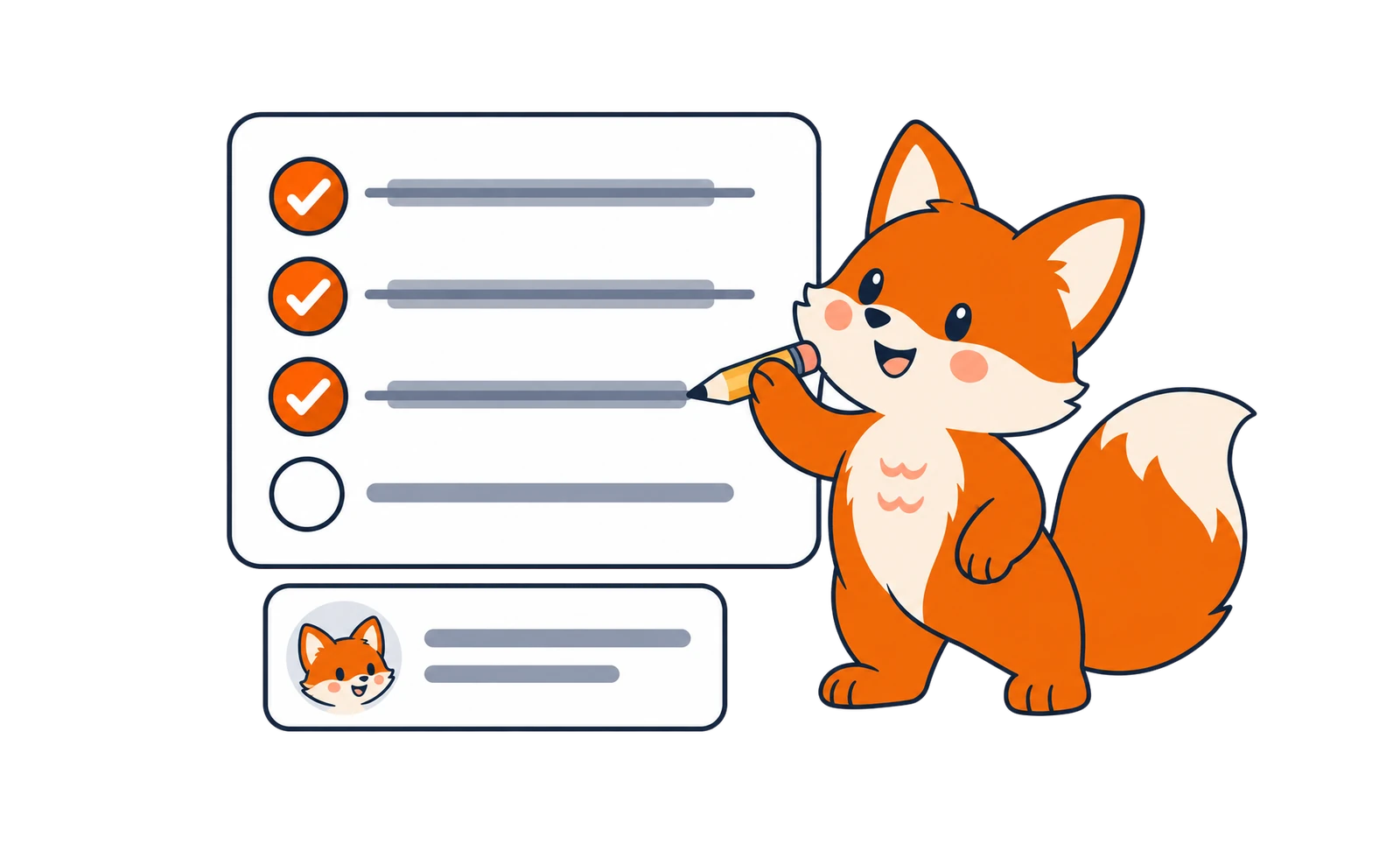
FluentSide works inside the ChatGPT conversations you already have. It accepts 34 learning languages, explains corrections in the language you choose, and its interface comes in 18 languages.
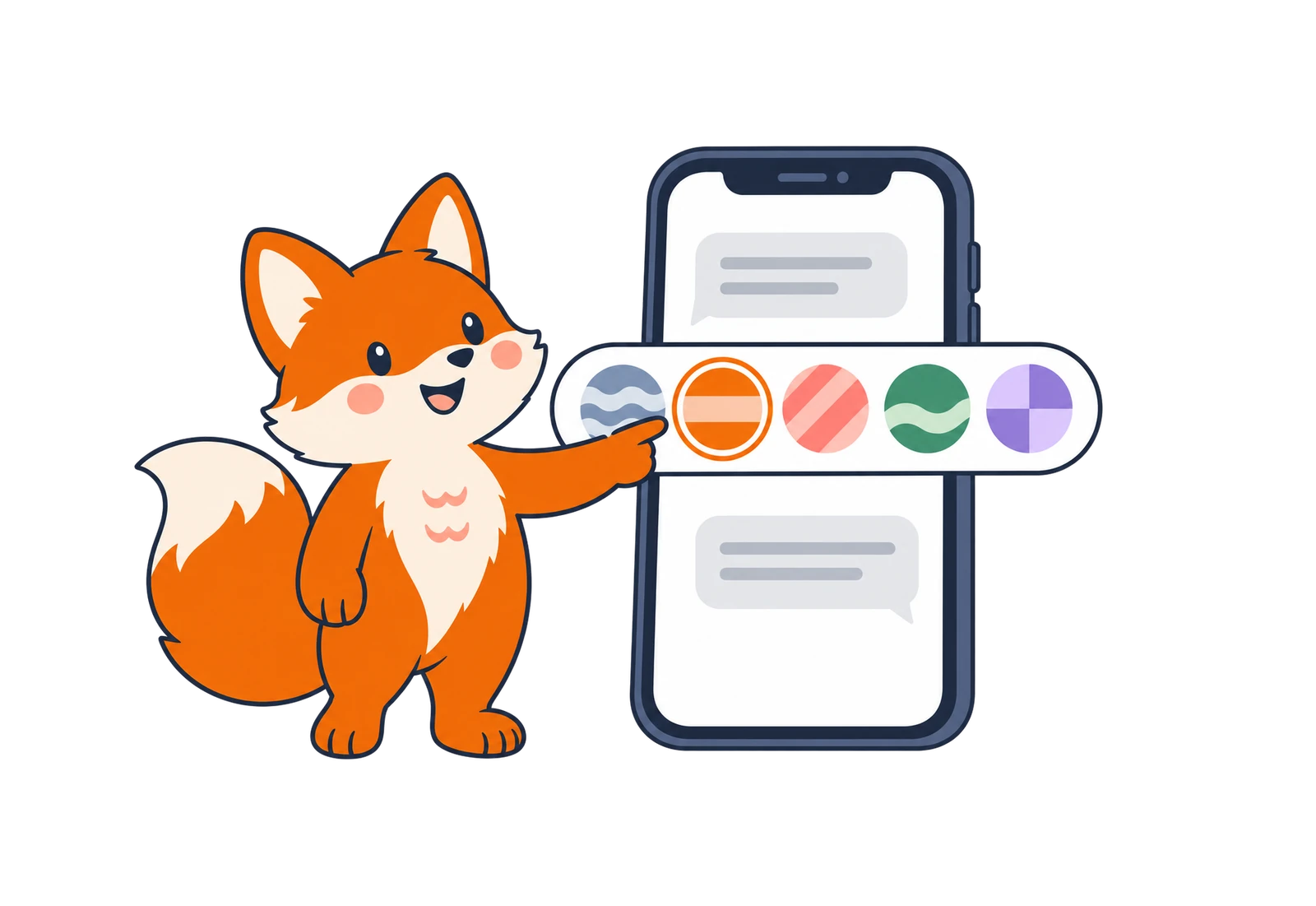


Honest reports
FluentSide only sees the sentences ChatGPT sends it. So it shows what that evidence supports: which mistakes recur, how active you've been, and which lessons you completed. Your level stays the one you chose until an assessment suggests otherwise.
A French learner after two weeks (illustration)
Example dataTop recurring mistake
Articles7 times in 30 days
Je suis allé au réunion hier.
Je suis allé à la réunion hier.
“Réunion” is feminine, so “à + la” stays “à la” (not “au”).
Recommended lesson
Articles in French
Lingolia · lingolia.com
ArticlesArticles appeared in 7 sentences in your last 30 days of corrections.
Recent activity
12 corrected sentences this week
Completed lessons
Next useful action
Read “Articles in French”, then mark it complete. Tomorrow's suggestions adapt to what still recurs.
Write emails, reports and messages in another language at work, and learn from the corrections along the way.
Turn homework and writing practice in ChatGPT into a record of what to review next.
Mix languages freely. Deliberate multilingual writing, slang and dialect are never counted as mistakes.
Everything you need to know before you connect ChatGPT.
No. FluentSide only receives the sentences ChatGPT corrected, with the correction and a short explanation. Full conversations, ChatGPT’s answers and correct sentences are never stored.
Connect ChatGPT, keep writing as usual, and let FluentSide turn your corrections into progress you can see.